Dynamic QR code generator with scan analytics
Dynamic QR codes.
Editable after print.
Change the link. Not the print.
New menu? New booking page? Update your dynamic code's destination and keep the same printed code. See scan activity as people follow your link.
Paste a link. Preview your QR code.
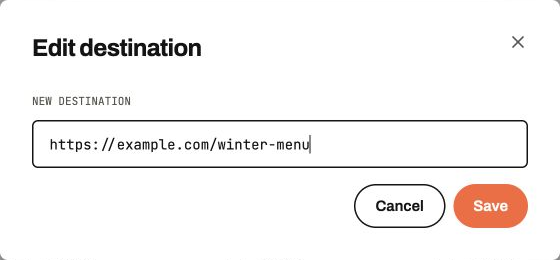
Edit destinations.
Point your dynamic code to a new menu, booking page or campaign. The code on your sign, flyer or packaging stays the same.
Stay scannable.
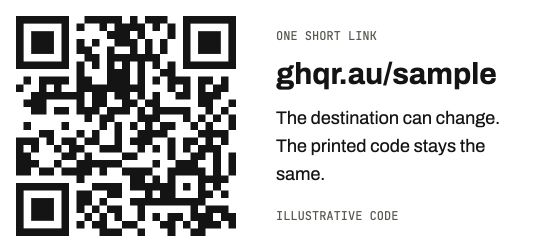
Dynamic codes encode a short link instead of the full destination URL. Keep the pattern simple, then test it on the finished print.
Measure scan activity.
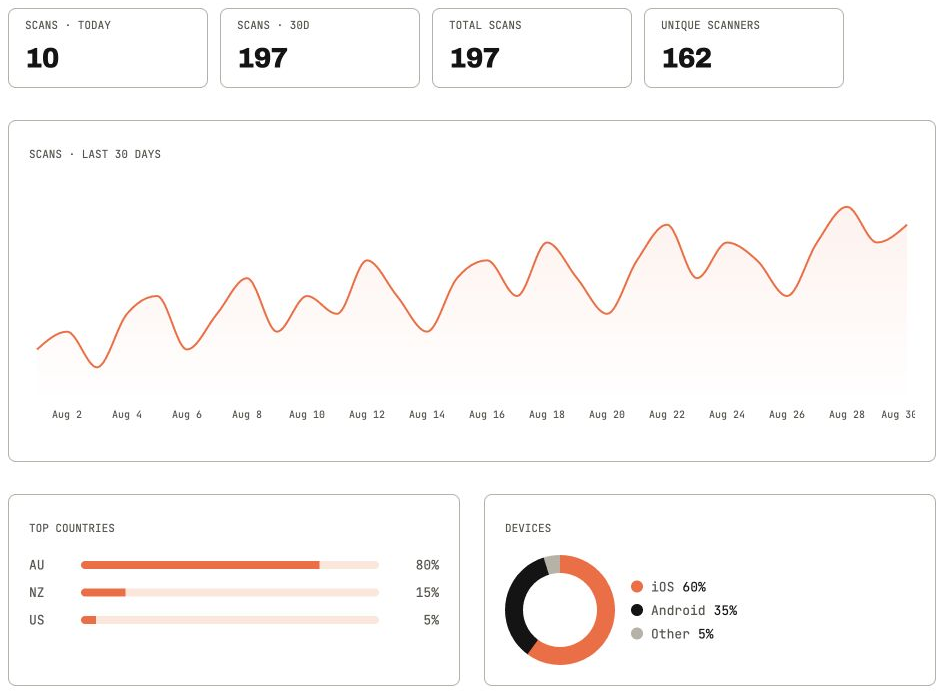
See scan counts, daily trends and approximate country and device breakdowns. Use a separate code for each print placement to compare responses.
Brand the mark.
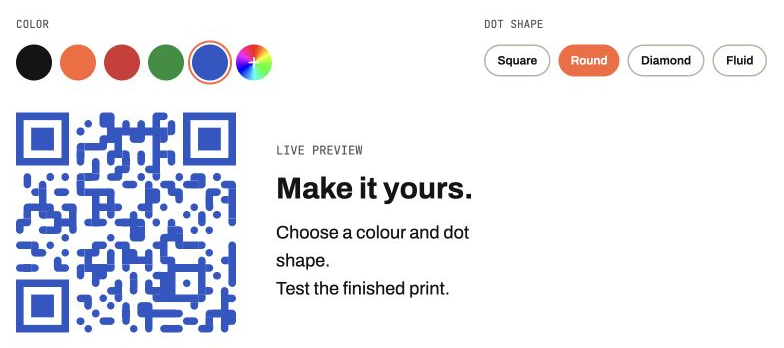
Choose your colour and dot shape, or add a logo. Preview the result and scan a test print before sharing it.
Just ask Claude.
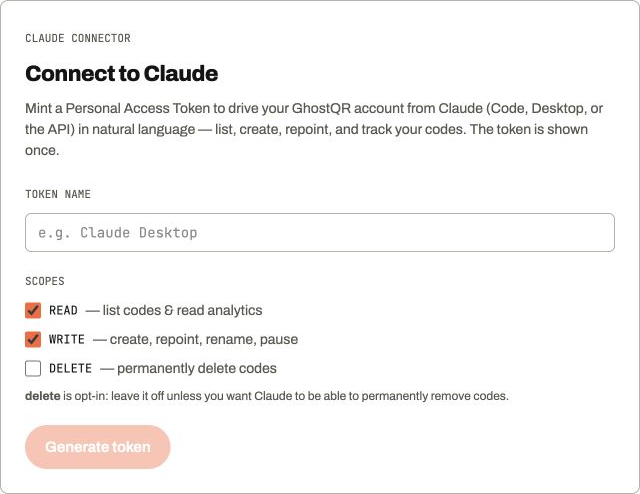
Connect Claude to list codes, change destinations and check scan activity in plain English. Choose what it can access when you connect.
Questions, answered.
What happens to my dynamic links when my plan expires?
Existing dynamic links keep redirecting for 12 months after paid access ends, then expire. Expiry clears the destination and destination history but reserves the short URL. Renew before expiry to keep links working. After expiry, renew and set a new destination; the old one cannot be restored. Team links follow the team owner’s plan. Static QR codes are unaffected. Compare plans.
What is a dynamic QR code?
A dynamic QR code contains a short link that redirects to your chosen destination. Update that destination in GhostQR and keep the same printed pattern. Creating dynamic codes requires a paid plan.
Can I edit a QR code after it's printed?
Yes, if it is a GhostQR dynamic code you have permission to edit. Change its destination in your dashboard, then scan the print to check it. An already printed static code cannot be converted into an editable dynamic code. See what can be changed after printing.
What's the difference between static and dynamic QR codes?
Static codes contain your destination directly. They are free to create, need no GhostQR subscription and have a fixed link once printed. Dynamic codes use a GhostQR short link so you can update the destination and measure scan activity. Try the free static QR code generator.
Does GhostQR track scans?
Dynamic codes record activity through their short links, with scan counts, daily trends and approximate country and device breakdowns. Repeat visits, your own tests and automated requests can contribute to activity. A scan does not prove a sale or a unique person. Static codes do not produce GhostQR scan analytics. Learn how to interpret scan analytics.
Will a dynamic code still scan reliably?
A short redirect link can make the pattern less dense than a long destination URL. Print size, contrast, lighting and any added logo still affect scanning. Keep the white border clear and test the finished print with a phone before ordering a batch.
Can I manage my QR codes with AI, like Claude?
Yes. Connect Claude to list your codes, update destinations and check scan activity in plain English. Choose the permissions you grant when connecting, and revoke access from your account when you no longer need it. See how AI QR code management works.
How much does GhostQR cost?
Static QR codes are free to create and download, with no account required in the free generator. Paid plans start at USD $19 per month and include dynamic codes, destination editing and scan analytics. Compare plans and code allowances.